Movies, series
& anime.
One MovieBox.
A movie night. A series you can’t put down. Your next anime. Bring them together in one app for Android.
Version 1.0.4 Build 5 Android APK
- Phones
- Tablets
- Android TV
Here for anime on Mizuki? Get Mizuki instead

MovieBox
Your next watch starts here.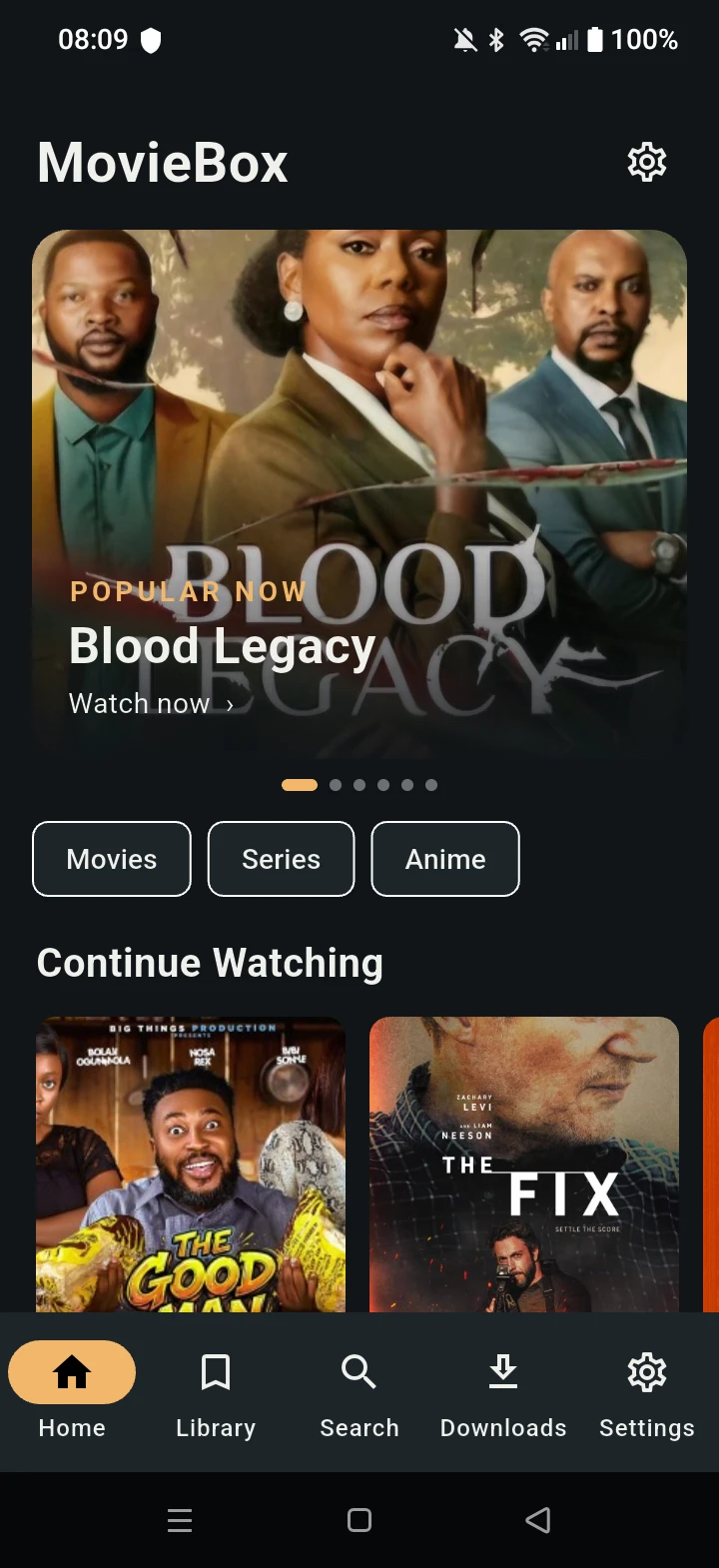
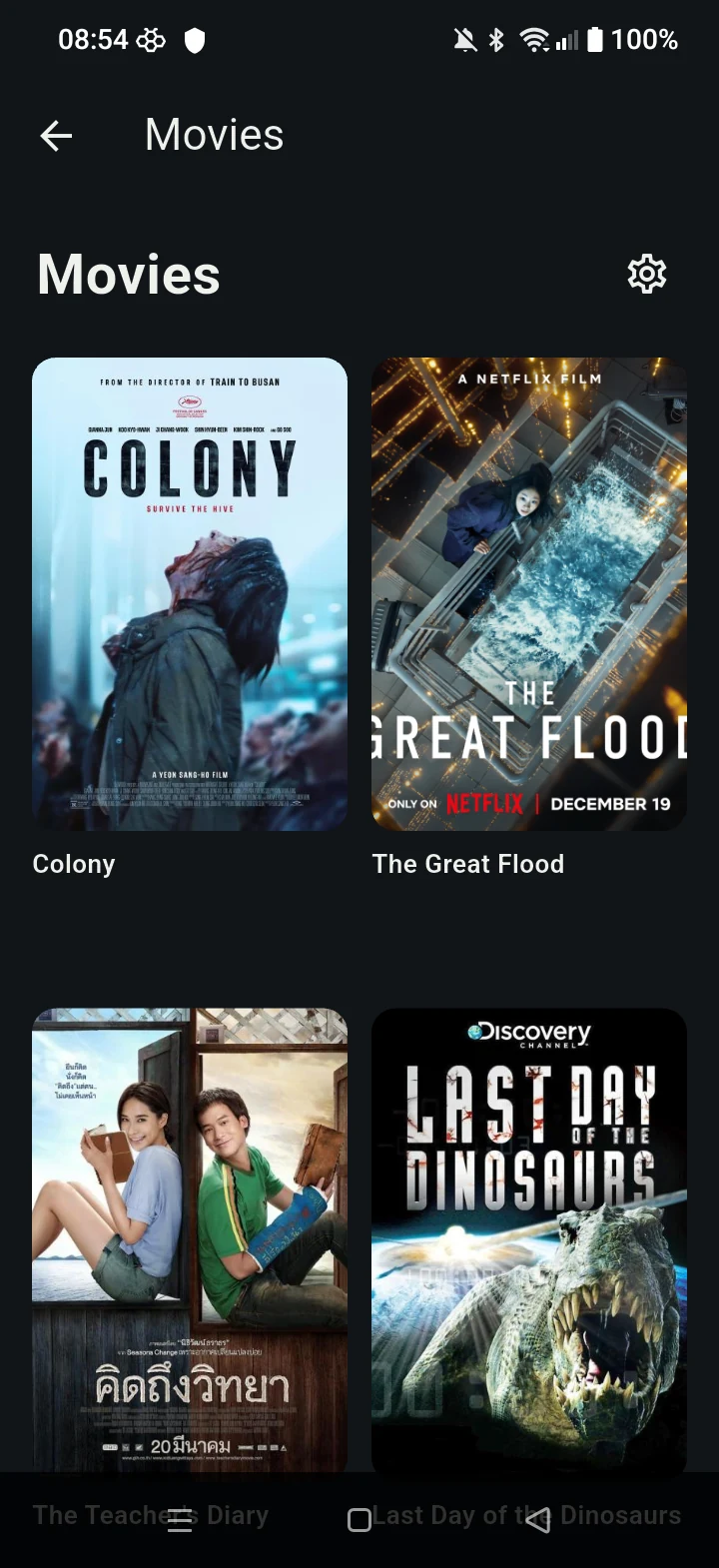
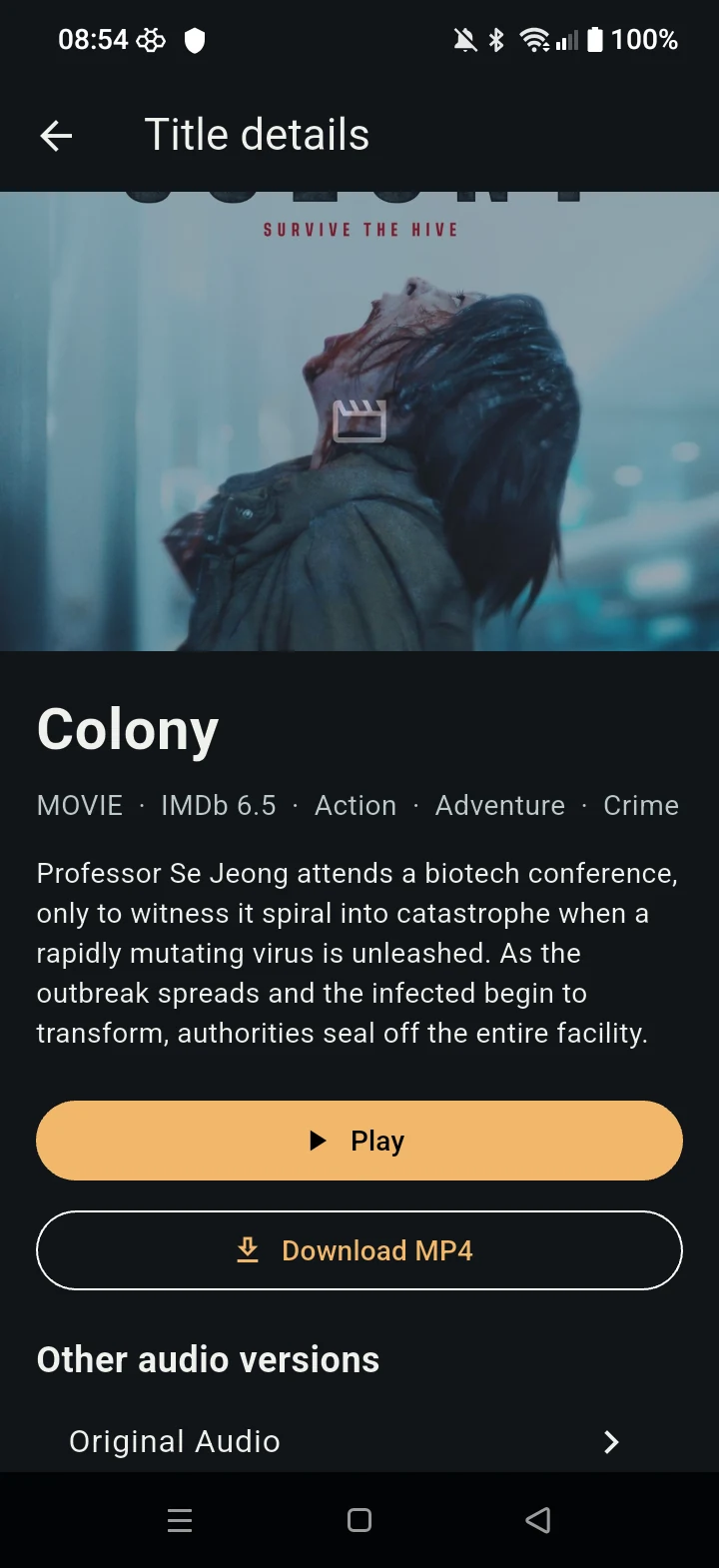
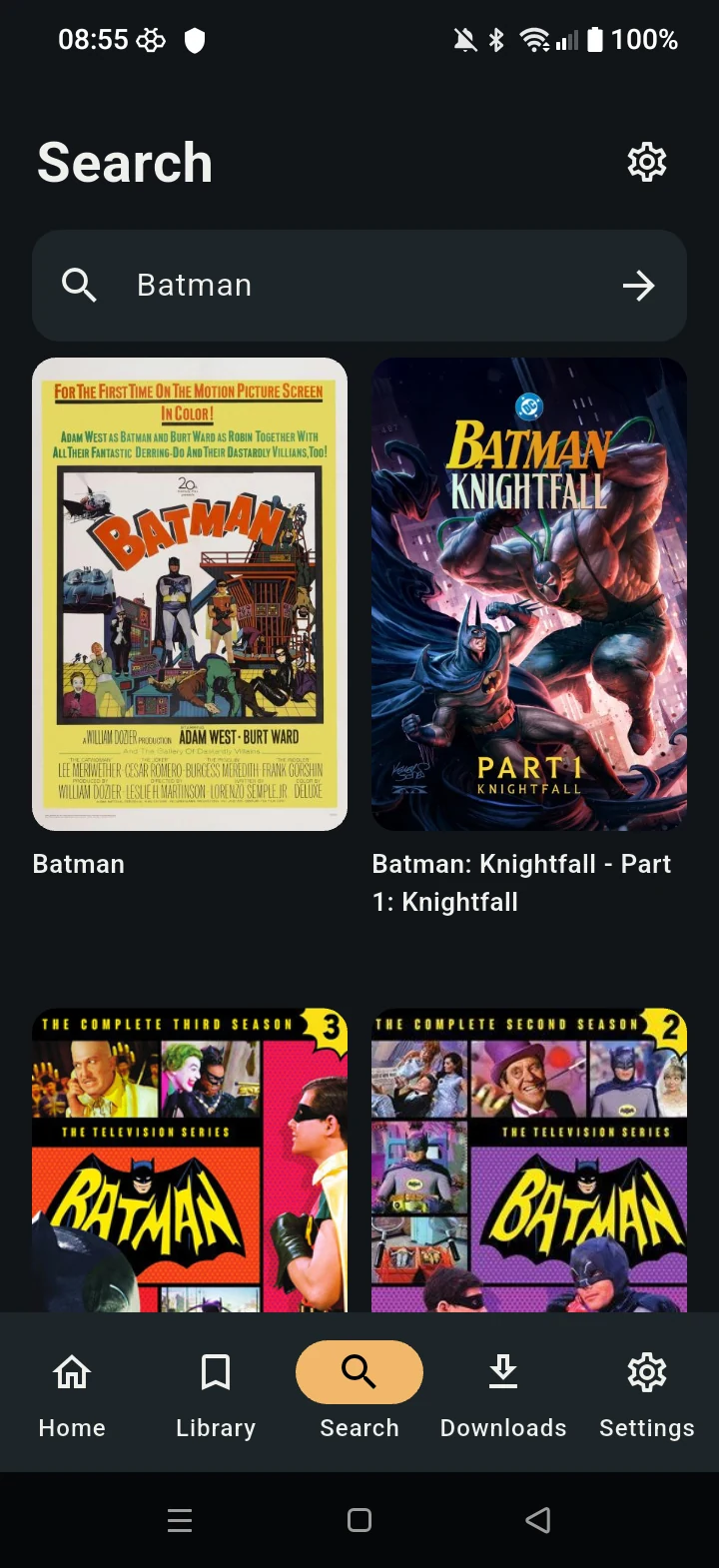
Home1 / 5
Real Android captures. Swipe or use the arrows.
Less searching.
More watching.
Your library, your watch history, and your playback preferences. Keep the useful things close.
Save it for later.
Keep movies, series, and anime in your bookmarks, ready for the next time you feel like watching.
Find your way back.
Revisit your watch history and use Continue Watching to pick up where you left off.
Choose your quality.
Pick from the video qualities available for your source, whether you’re watching now or saving for later.
Watch with subtitles.
Choose an available subtitle track to suit your viewing. Quality and subtitle options depend on the source.
Save now. Watch offline.
Allow MovieBox notifications for background downloads. Pause, resume, cancel, or retry from the persistent queue in Downloads. Pause/resume depends on server support; unknown-length sources need another quality.
Interrupted? Reopen MovieBox. Android force-stop and battery restrictions can interrupt downloads. Reopen the app to recover your queue.
A separate app.
A wider watchlist.
Mizuki is made for anime. MovieBox brings movies, series, and anime together in a separate Android app. Choose the one that fits what you want to watch.
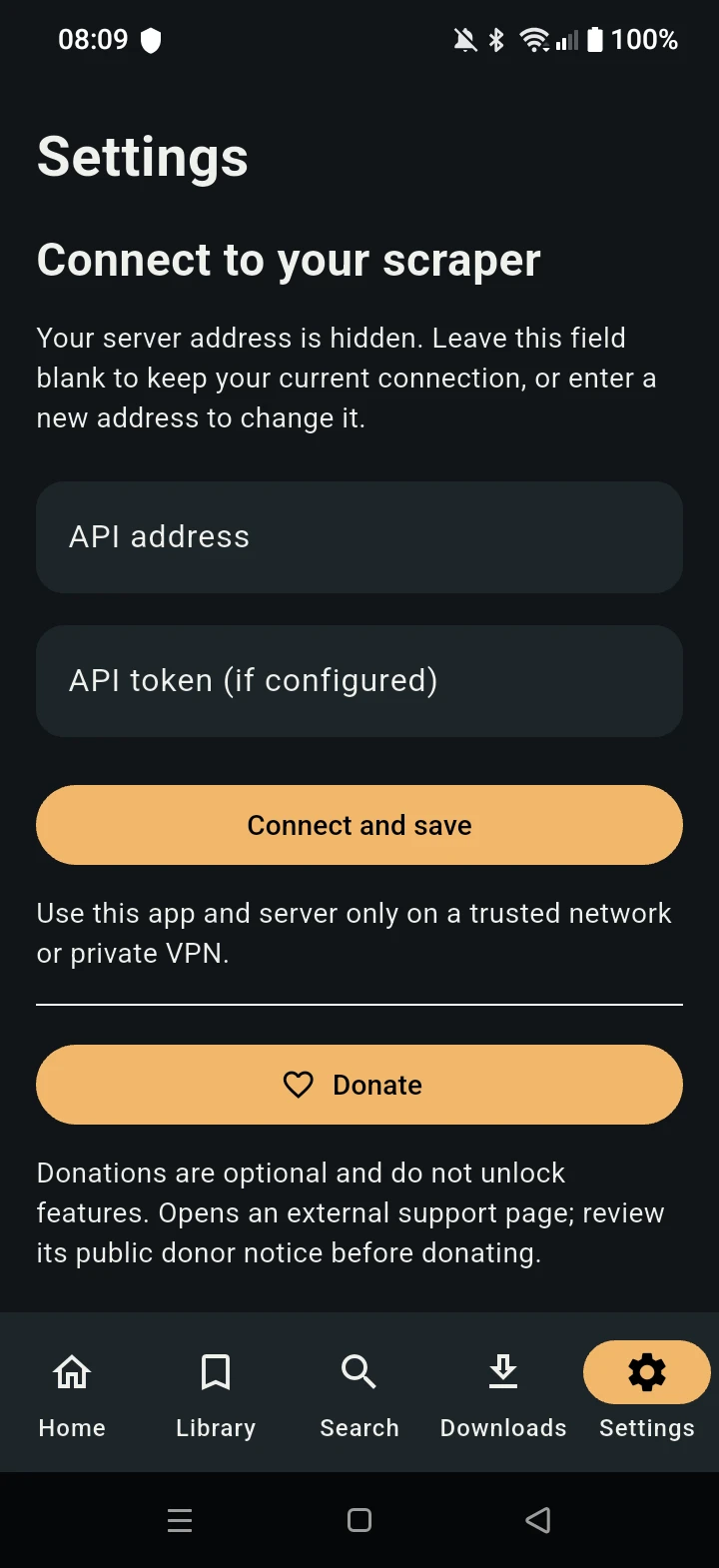
Your connection, in Settings.
Configure your scraper connection with an API address and a token if your server requires one. Use the app and server only on a trusted network or private VPN.
Make room for MovieBox.
For Android phones, tablets, and TV. No desktop builds.
Before you press play.
Is MovieBox the same app as Mizuki?
No. Mizuki is focused on anime. MovieBox is a separate app for movies, series, and anime, with its own Android APK and source repository. Your Mizuki download is still available on the Mizuki downloads page.
Which devices can run MovieBox?
MovieBox is available for Android phones, Android tablets, and Android TV. There are no Windows, macOS, or Linux builds, and no iOS build. Use the Android APK linked on this page.
Can I close the app while a download is running?
Yes. Allow MovieBox notifications for background downloads; start, resume, and retry are blocked if permission is denied. Enable notifications in Android Settings, then try again. Manage the persistent queue in Downloads with pause, resume, cancel, and retry. Pause/resume depends on server support and link availability. Unknown-length sources cannot be downloaded; choose another quality. Android force-stop and battery restrictions can interrupt downloads; reopen MovieBox to recover the queue. Completed downloads are available offline.
How do I install the APK?
Download the APK on your Android device, open the file, and allow installation from your browser or file manager if Android asks. On Android TV, transfer the APK to the TV and open it with a file manager. You can turn off that installation permission again afterward.
Do donations unlock features?
No. Donations are optional and do not unlock features. The support link opens ai.xibebase.in, an external donation page. Review its public donor notice before donating.
Enjoying MovieBox?
Support the project if you’d like. Donations are optional and never unlock features.